
In the app
Your moot matter in LitArbi
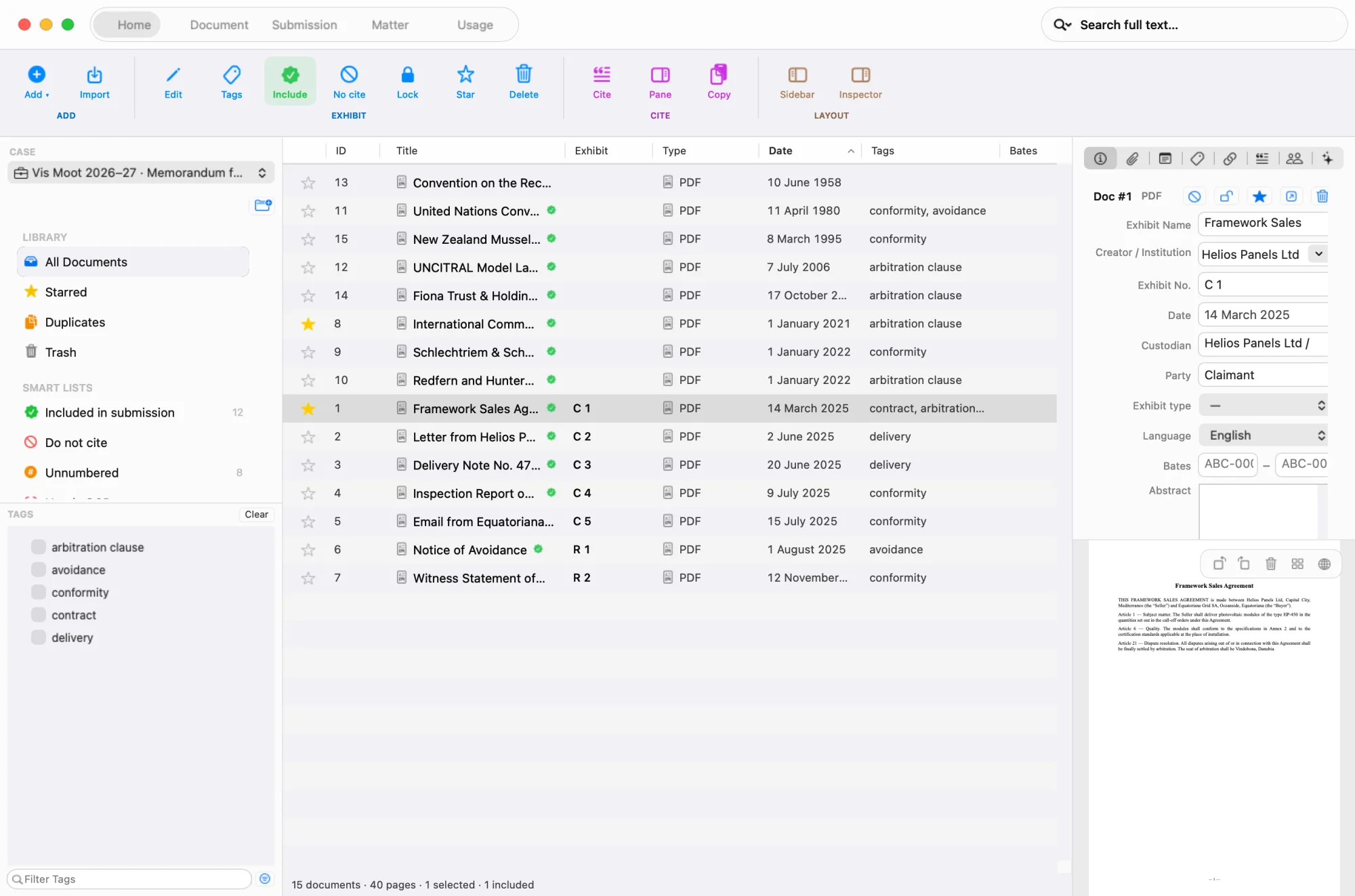
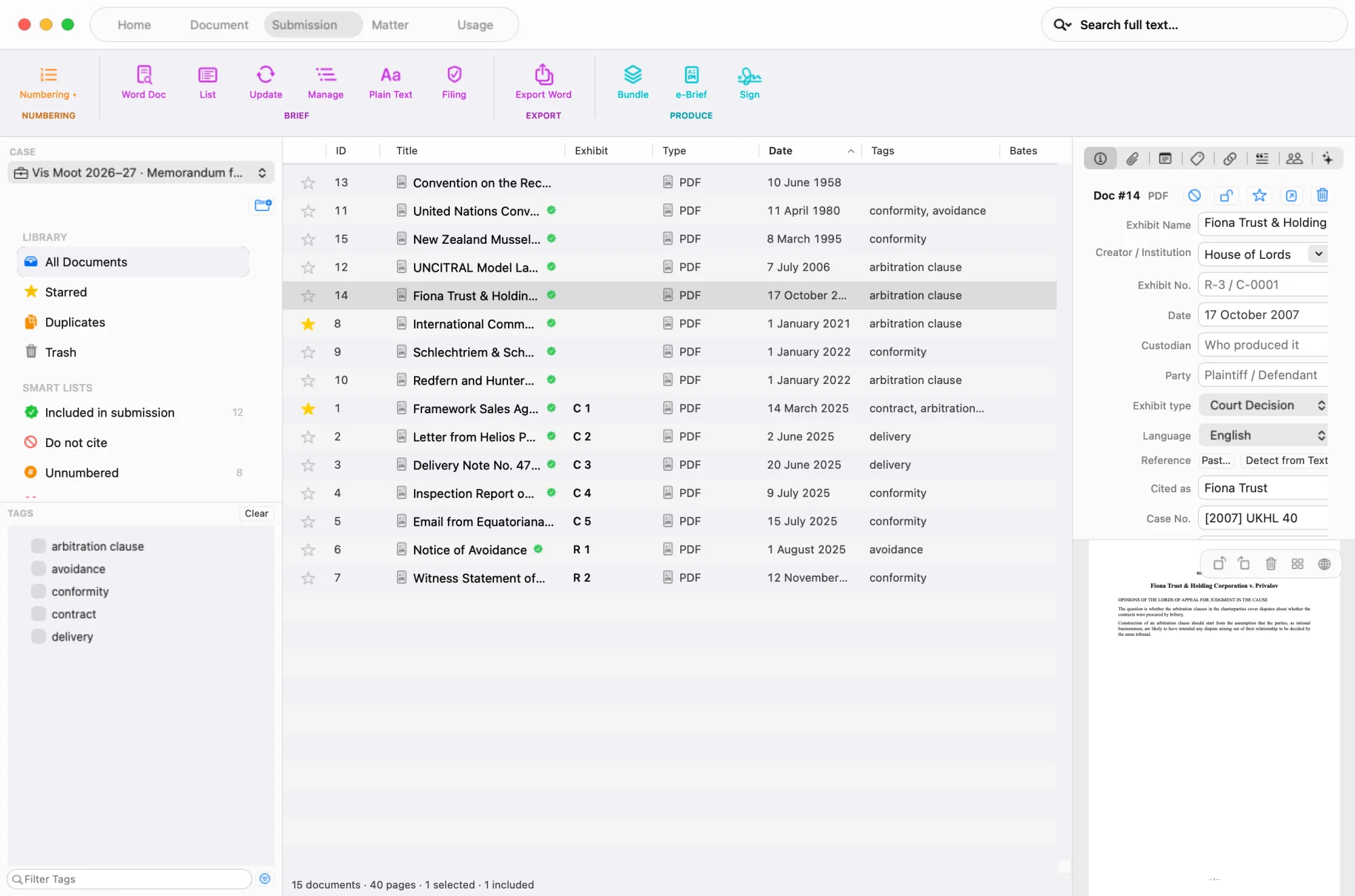
Real screens from the app — a fictional Vis team’s Memorandum for Claimant: the record under the organisers’ numbers, the authorities under the short form you cite them by.
Your competition, set up in one step
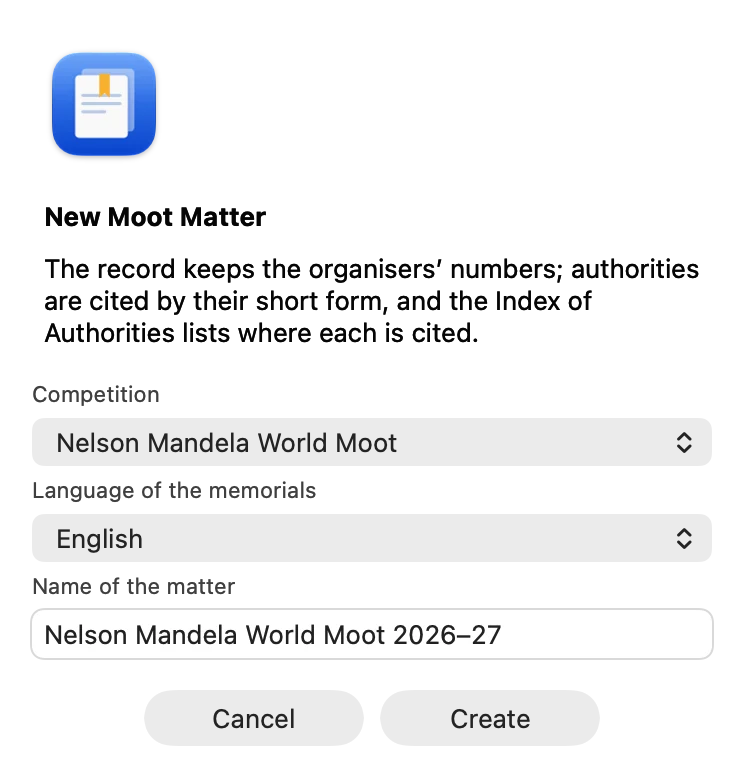
New Moot Matter asks for the competition — and, where its rules allow several, the language of the memorials. The citation form, the index and the AI rule follow.
The Moot Court Edition
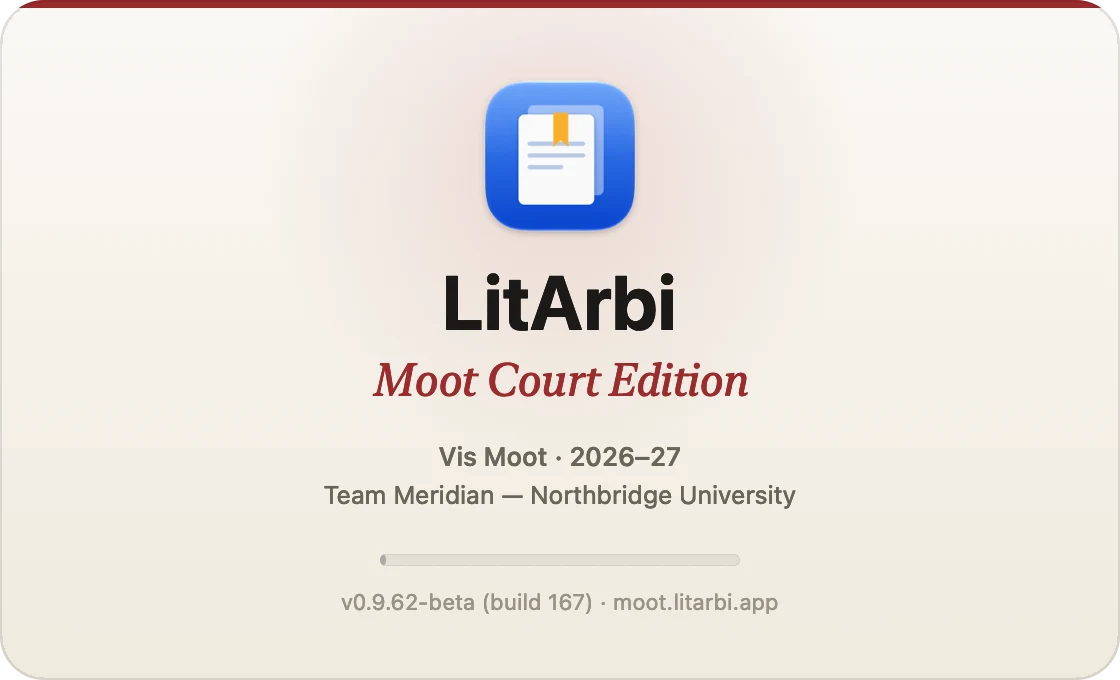
Your team, your competition and your season — every time LitArbi starts, until the season ends.
The rules around the writing, too
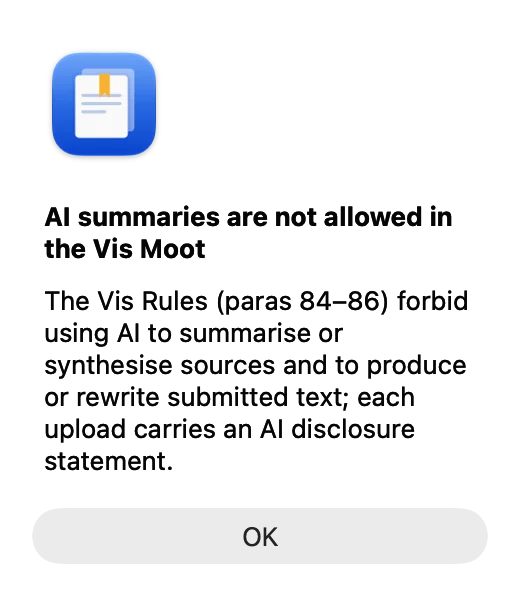
Your competition’s AI rules, respected
Where your rules forbid AI summaries, LitArbi keeps them off. Before any other AI function it shows your competition’s rule, and its AI Protocol lists what went to which AI — for your disclosure statement.
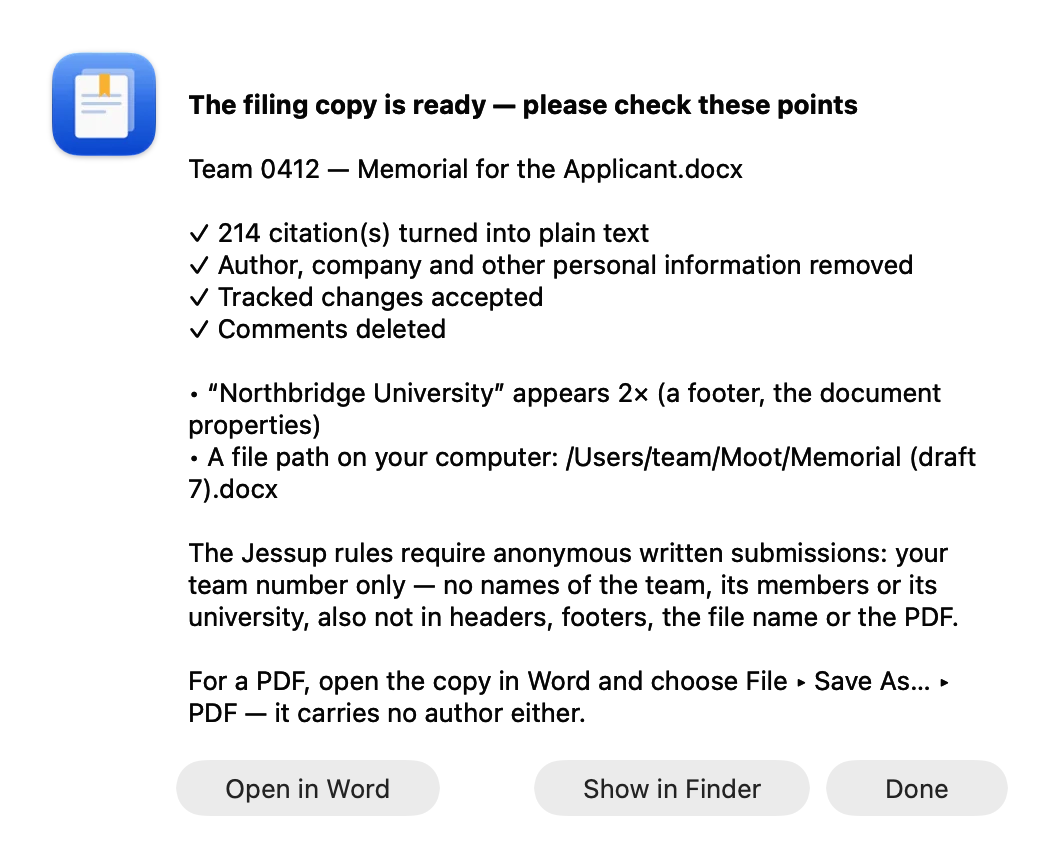
Anonymous where your rules say so
Prepare for Filing saves a filing copy: citations as plain text, no author, no comments or tracked changes — then shows every place your team, university or name still appears, with the passage it stands in.
Language
- English
- Deutsch
- Français
- Español
- Português
- Русский
- Українська
Mac or Windows — in your own language
One team key works on Mac and on Windows, up to the computers you applied for. Share Matter moves a matter between them with every number intact, and the app speaks seven languages. Members without the app cite from Word on the web or Google Docs.
Where you write
Word or Google Docs — on every computer of the team.
Not everyone in the team has LitArbi on a Mac or PC. The citation pane works where your team writes — the numbering, the index of authorities and Prepare for Filing stay with LitArbi on the computer.
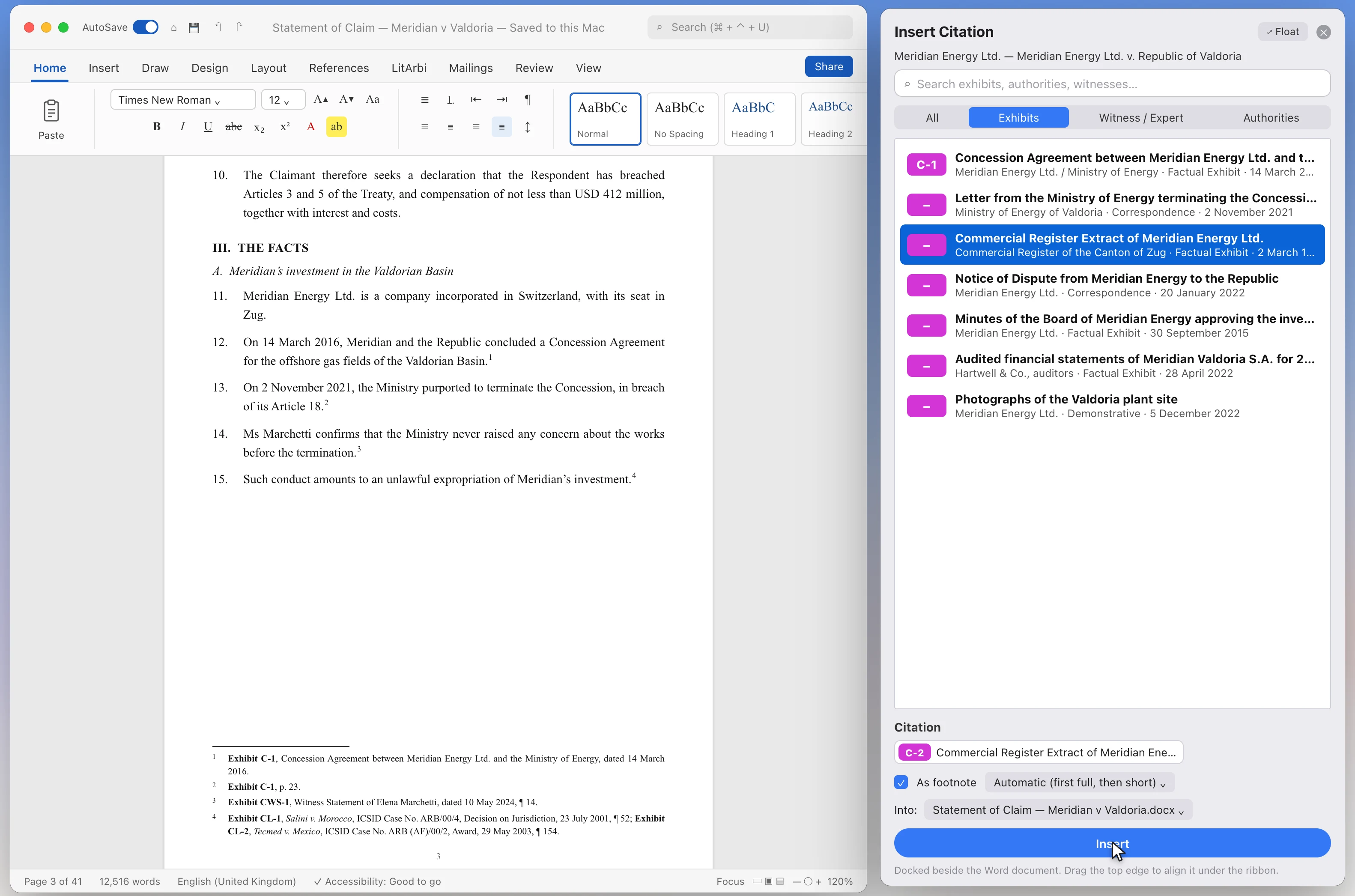
Word on the Mac and on Windows
Beside the LitArbi app: everything on this page — numbering, the index, Prepare for Filing.
In the beta
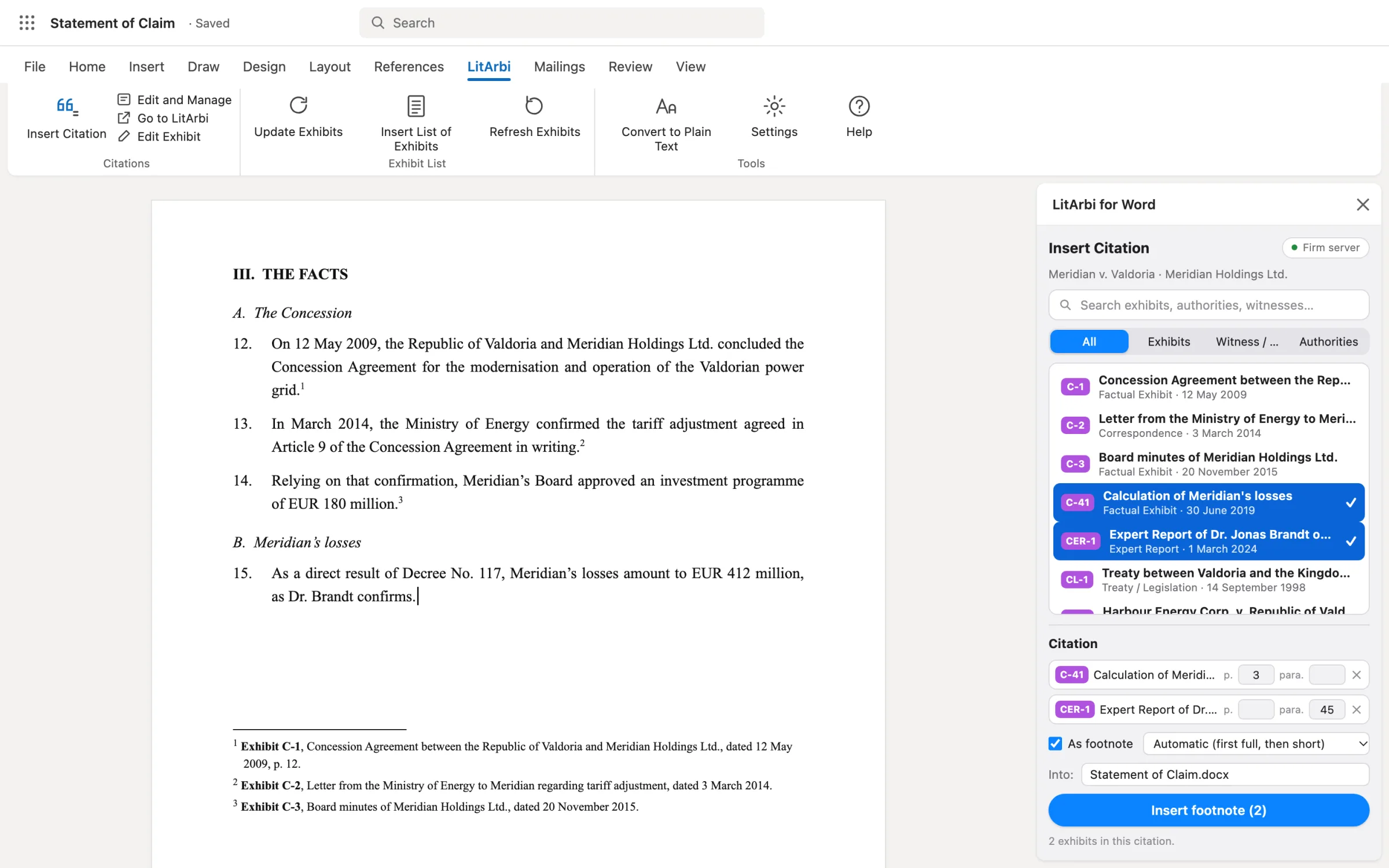
Word on the web
In the browser, from your team’s bundle made with LitArbi — for members without the app.
In Microsoft Marketplace
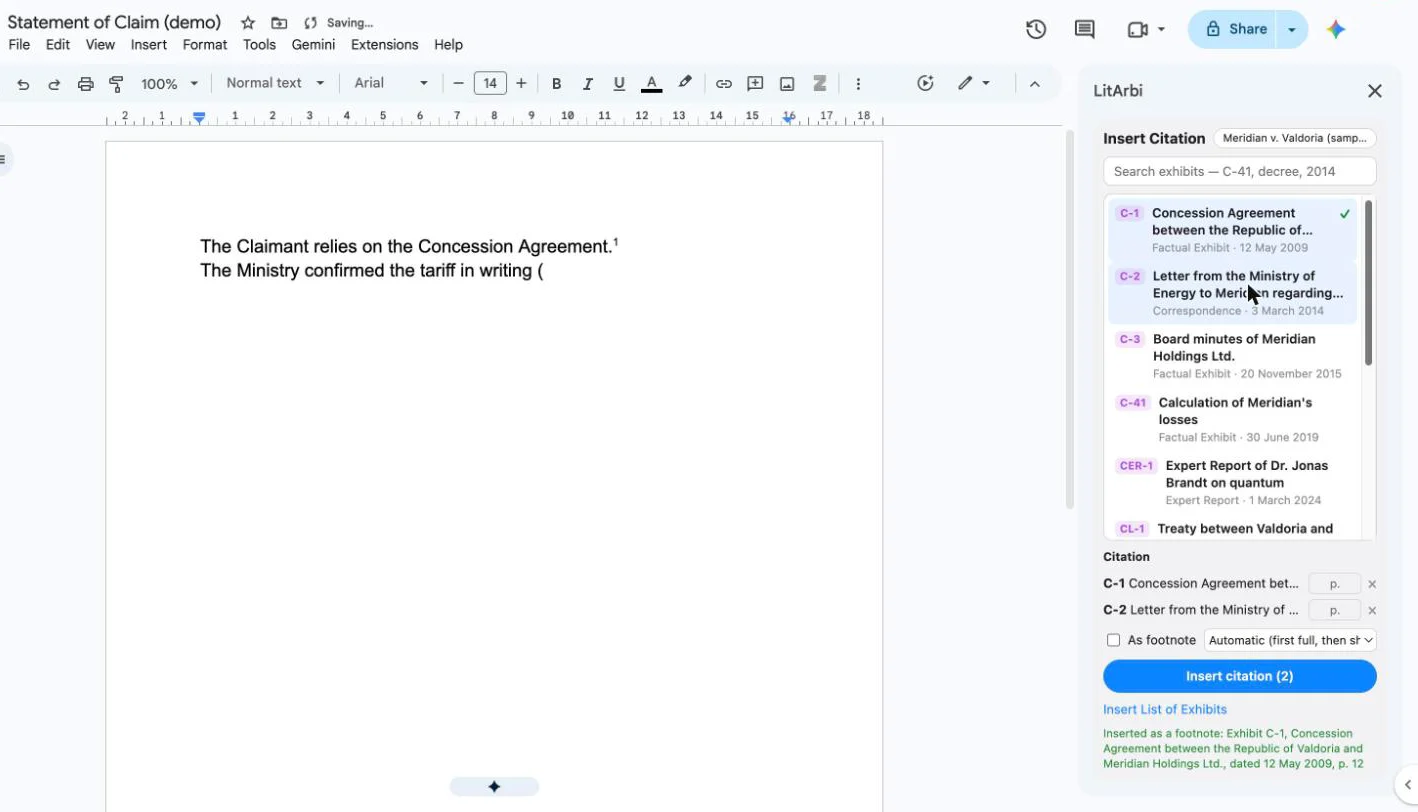
Google Docs
The same pane in Google Docs, citations in the text or as footnotes, from your team’s bundle.
In Google Workspace Marketplace